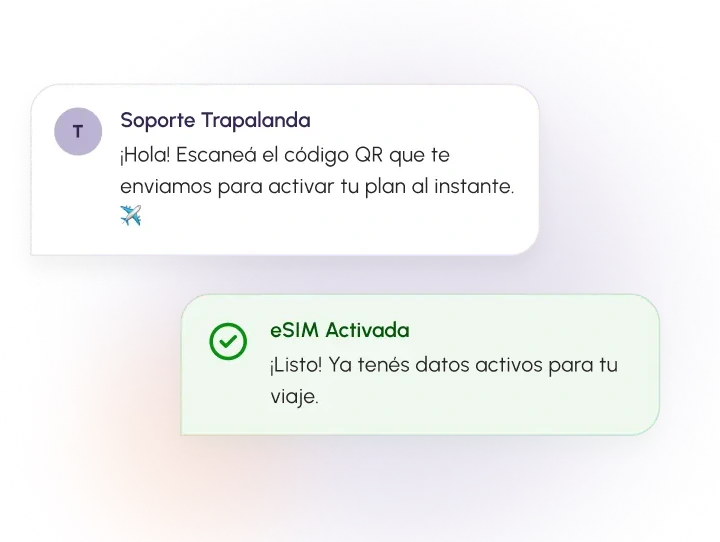
How to install and activate your eSIM
Set up your eSIM before you travel and follow these steps to start using it when you land.
Before you start
Get everything ready to install your eSIM. We recommend doing it before you travel.
Compatible phone
Your device needs to support eSIM.
Internet connection
You need an internet connection to install it.
QR code
Keep the QR code you received with your eSIM at hand.
Follow the step-by-step tutorial
Pick your phone type to see the matching guide.
Need help installing it?
Message us on WhatsApp and we'll walk you through it.